
LiqMap™ · The Kingfisher

Avalanche Liquidation Map

See where leveraged AVAX positions may be vulnerable. Compare one venue with the aggregated market, inspect estimated long and short liquidation pressure, and revisit earlier snapshots in the same workspace.

  • Multi-exchange
  • Historical snapshots
  • Multi-market scan
  • JSON API
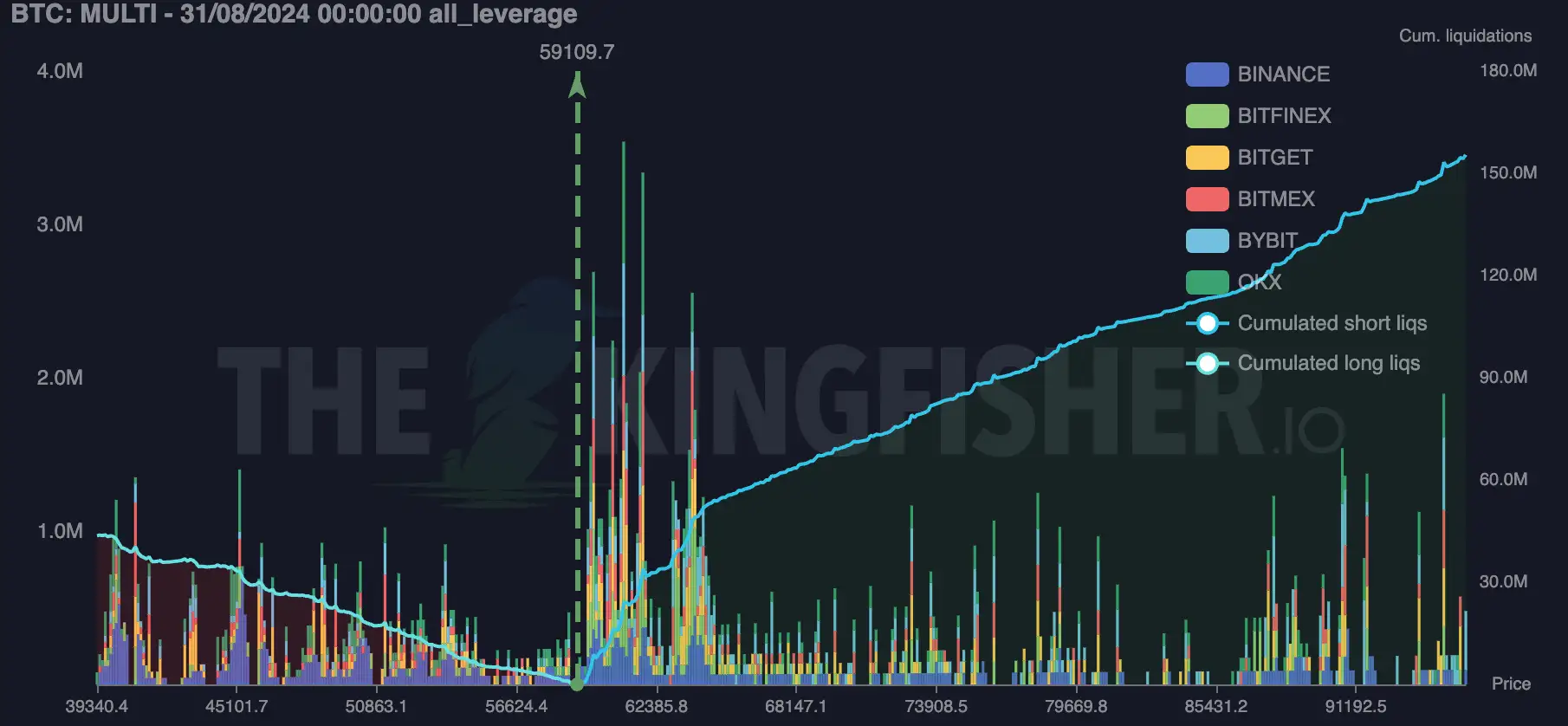
Bitcoin liquidation map in The Kingfisher multi-exchange view
BTC product example shown from The Kingfisher multi-exchange workspace.
7single-venue views currently listed
6proprietary map presets
1–5markets in a selected comparison
15mhistorical snapshot alignment

Coverage is discovered dynamically; the application is the current source of truth.

Latest available public snapshot

AVAX high-leverage liquidation map

The chart below displays the latest public Kingfisher output for the selected market, with its source time shown inside the module.

LiqMap™ · Binance · High Leverage

Kingfisher model-estimated liquidation pressure.

Loading map…Fetching the latest available snapshot.
Multi-exchange maps, every leverage view, history and Liquidation Heatmap.

Kingfisher model-estimated liquidation pressure.

See leverage before it becomes forced flow

What a Avalanche liquidation map adds to the chart

Price shows what already traded. LiqMap adds a model-based view of where leveraged positions may become vulnerable if price moves through the market.

Use that extra layer to compare pressure above and below price, separate exchange-specific structure from the aggregated market, and review how the picture looked before volatility expanded.

The complete LiqMap workflow

Explore. Compare. Revisit. Scale.

Features are grouped by the job they help you complete, not by the internal systems behind them.

Explore

Find the right market view quickly

Move from one venue to the broader derivatives market without rebuilding the chart.

  • Search the dynamically available market list
  • Switch between individual venues and the aggregated Multi view
  • Choose among six proprietary reading presets
  • Favorite markets and sort by open interest or 24-hour volume
Compare

See what an aggregate is hiding

Keep the market-wide picture while retaining the venue-level detail needed to interrogate it.

  • Inspect aggregate and per-exchange values in the chart tooltip
  • Toggle stacked and unstacked comparative views
  • Read estimated long, short and cumulative pressure around price
  • Show or hide chart series from the interactive legend
Revisit

Go back to the market you actually saw

Use historical snapshots to review structure at a selected date and time, not only after the move.

  • Load a historical LiqMap with the date-and-time picker
  • Jump from the main chart to a map snapshot with Shift + click
  • Refresh manually or schedule 15-minute, 1-hour or 2-hour pulls
  • Keep market, view and color preferences in the workspace
Scale

Move from one market to a wider scan

Compare selected markets in one consistent visual frame, then open the one that deserves attention.

  • Combine up to five Binance perpetual markets in one view
  • Scan all currently available Binance perpetuals with Pro
  • Move from LiqRatio market context into the corresponding LiqMap
  • Retrieve current and historical LiqMap snapshots through the JSON API

Single venue → aggregate

One market-wide view. Venue detail when you need it.

Start with Binance, Bybit, Hyperliquid, OKX, BitMEX, Bitfinex or Bitget. Switch to Multi for the aggregated market view, then use the tooltip and stacked controls to see how individual venues contribute.

  • Current price reference, zone bars and cumulative curves
  • Stacked and unstacked venue comparison
  • Multiple proprietary views for different horizons
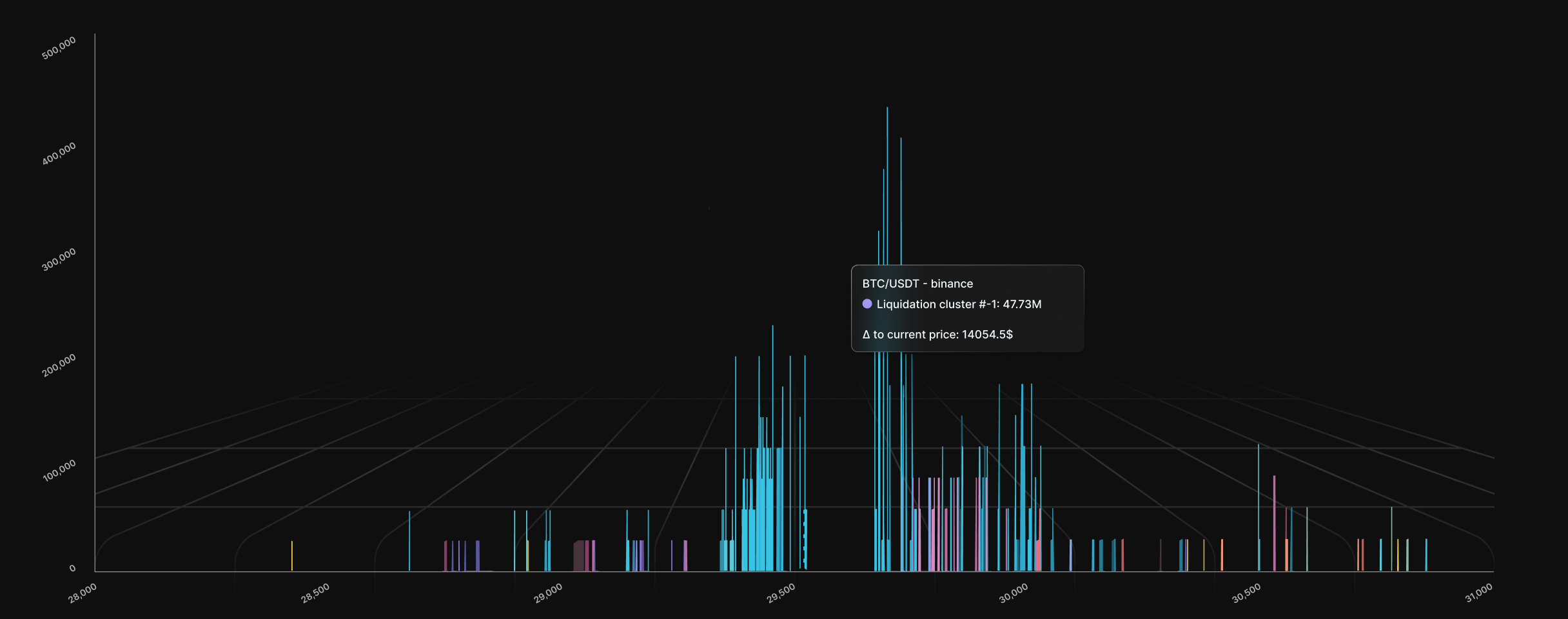
The Kingfisher LiqMap interface showing estimated liquidation zones
The exact controls and coverage shown in the application may evolve.

Built to investigate, not just observe

A chart you can interrogate

Move from the overview to the level, venue and timestamp behind it without leaving the pane.

Crosshair detail

Inspect price, estimated value, zone, cumulative value and venue contribution.

Zoom and pan

Focus the chart with pointer-centered zoom, an adjustable price range and navigator handles.

Touch controls

Use pinch-to-zoom and long-press interactions on supported mobile devices.

Your visual language

Customize four chart colors and persist them with the workspace.

PNG capture

Export a clean chart snapshot directly from the LiqMap pane.

Market sync

Keep LiqMap aligned with the selected ticker across connected workspace tools.

One liquidation workspace

Snapshot, evolution and market breadth, properly separated

LiqMap is the center of a connected workflow. Each adjacent tool answers a different question instead of crowding one chart with every signal.

ProductBest used forCore capabilitiesAccess boundary

LiqMap™

A market snapshot at a selected point in time

Single venue, Multi exchange, historical snapshots, multi-market scan

Credit-based or subscription access

Heatmap™

Estimated liquidation pressure evolving through price and time

Snapshot and Footprint views, candles, intensity controls, touch navigation

Premium product; current Heatmap coverage is Binance

LiqRatio

A market-wide long/short liquidation-pressure screen

Search, watchlist, sorting, OI, price and 24-hour change context

Subscription workspace with a limited delayed preview

KF-Trade Signals

A filterable layer of current and historical model outputs

Direction, strength, status, expiry and historical chart overlays

Current and historical access varies by account

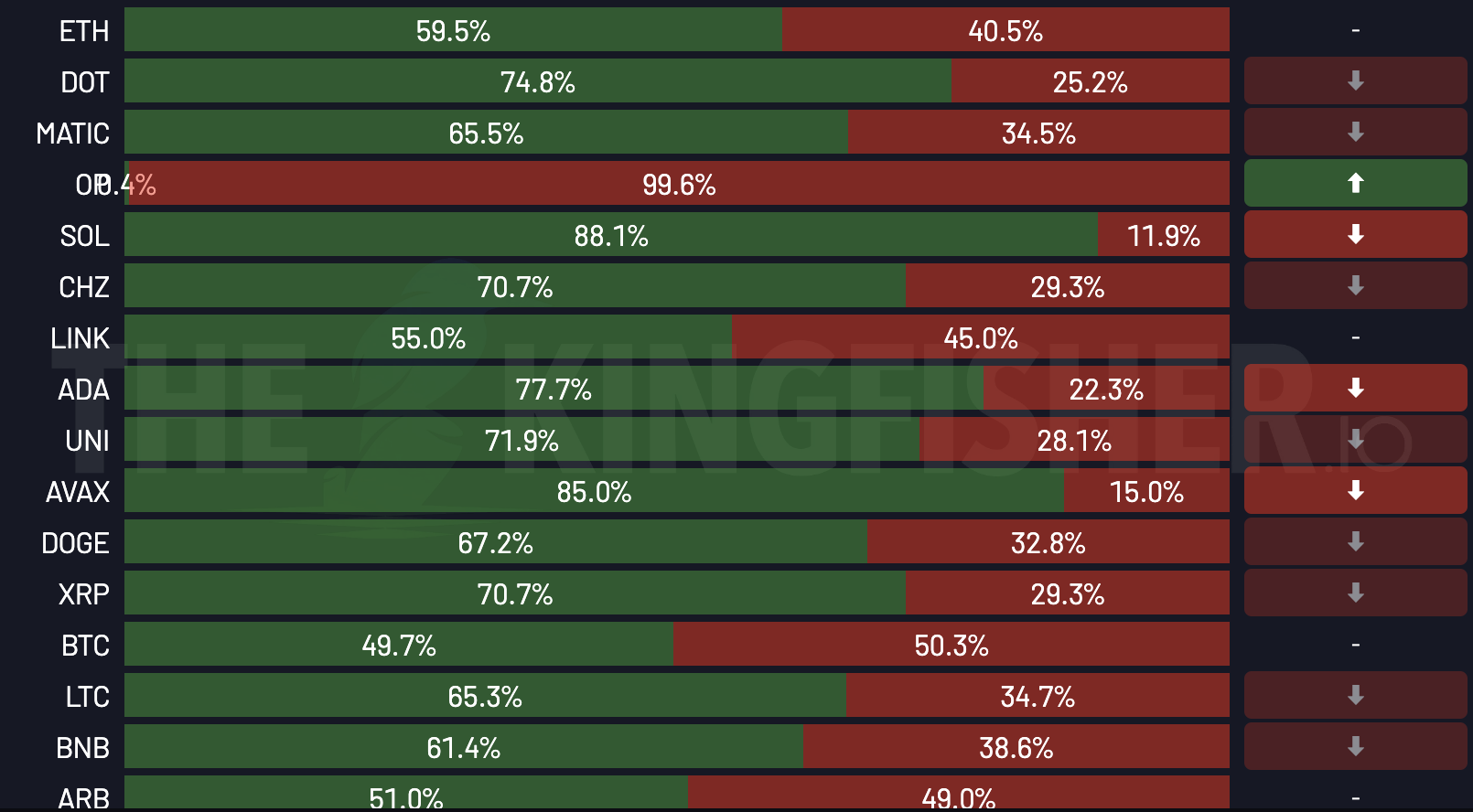
The Kingfisher LiqRatio market-wide liquidation pressure screen
Screen market-wide pressure, then open the matching LiqMap.

From breadth to detail

Find the market first. Open the map second.

LiqRatio ranks markets by relative long and short liquidation pressure alongside price, 24-hour change and open-interest context. Select a market to move directly into its LiqMap.

01 Screen02 Select03 Inspect

The Kingfisher · developed since 2020

Built in-house. Refined over time. Kept proprietary.

LiqMap is powered by The Kingfisher's proprietary liquidation-mapping engine. The visual output is the product, not a public recipe for reproducing it.

The interface exposes the signal. The formula, inputs and production implementation stay proprietary.

Visible: outputs, controls, coverage and market context
Private: model recipe and production infrastructure
Read the origin of the LiqMap alpha

How to read a Avalanche liquidation map

A three-step workflow that preserves context

The goal is not to find a magic line. It is to ask a better question of the market.

  1. 01

    Choose the question

    Start with one venue when venue-specific pressure matters, or use Multi to inspect the aggregated picture.

  2. 02

    Compare both sides of price

    Look at the relative distribution of estimated long and short liquidations, then inspect cumulative and venue-level detail.

  3. 03

    Add time and market context

    Revisit an earlier snapshot or open the Heatmap to see how the structure changed rather than treating one frame as permanent.

Choose how you work

Start with AVAX. Unlock the wider workflow when it earns its place.

Use credits for occasional access, or compare Premium, Pro and API options for broader markets, aggregate views and programmatic workflows.

Avalanche liquidation map FAQ

Before you open LiqMap

What is a Avalanche liquidation map?

A Avalanche liquidation map models where liquidation pressure is concentrated across AVAX price zones.

What is the difference between LiqMap and a liquidation heatmap?

LiqMap is designed to inspect estimated liquidation structure at a selected point in time. The liquidation Heatmap adds a time axis so you can follow how estimated pressure develops, moves or disappears. The Kingfisher provides both views as complementary tools.

Which exchanges can I compare in LiqMap?

Compare Binance, Bybit, Hyperliquid, OKX, BitMEX, Bitfinex and Bitget in individual views, or combine them in the aggregated Multi view. Market and venue availability is discovered dynamically and can change, so the application remains the source of truth.

Can I view historical Avalanche liquidation maps?

Yes. Load current or historical snapshots from the LiqMap workspace and API, subject to the access level and history allowance of the account.

Does The Kingfisher publish the LiqMap formula?

No. LiqMap is powered by The Kingfisher's proprietary liquidation-mapping engine, developed and refined since 2020. The formula, inputs and production implementation remain proprietary.

The original Kingfisher LiqMap™

Put liquidation context next to the market you already trade.

Open LiqMap™